Post-Production
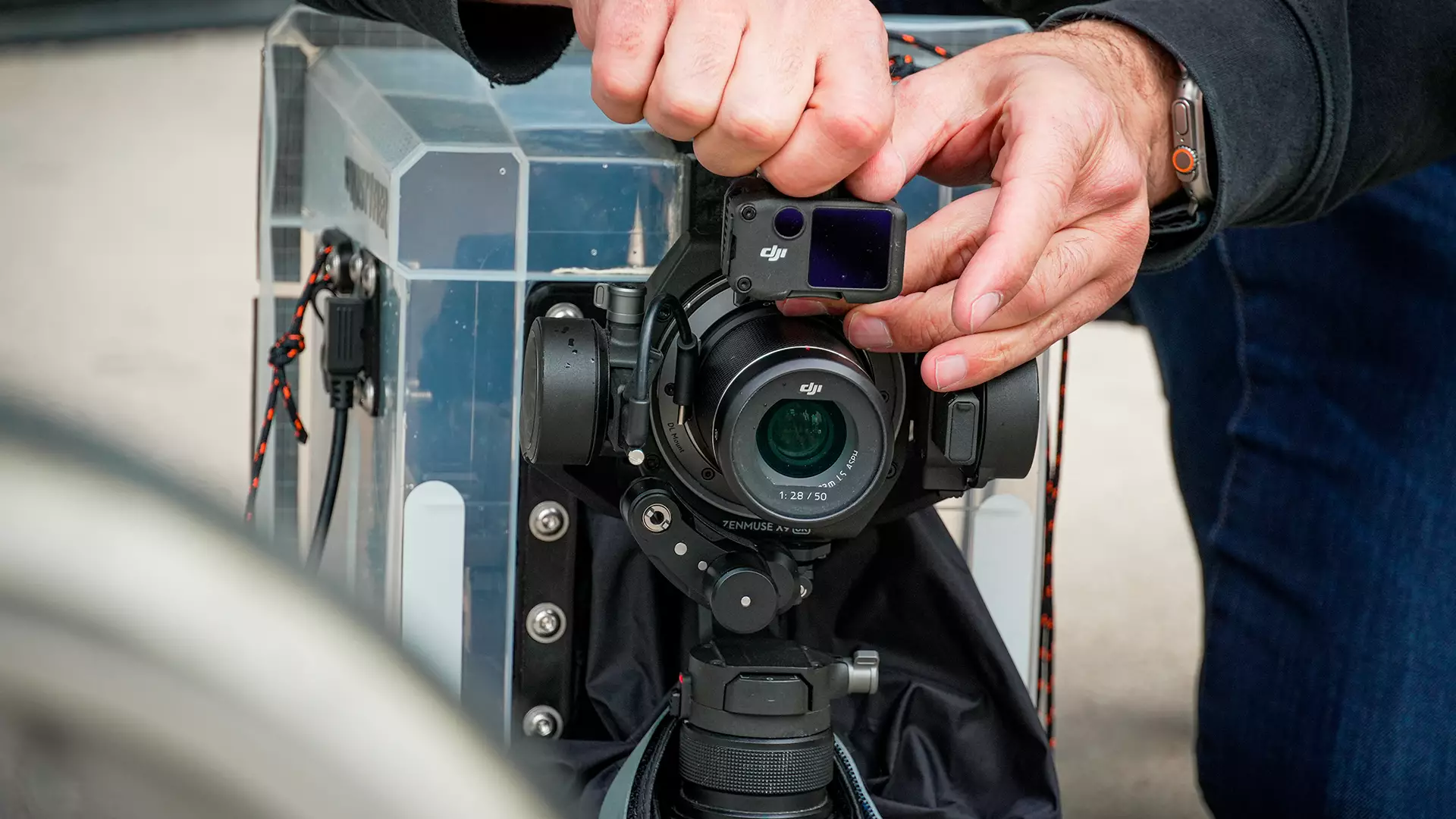
What is post-production?
In cinema, post-production refers to all the stages involved in making a film. Orchestrated by the post-production coordinator, it takes place after filming. It includes all the work carried out after the images and sound have been captured, in order to obtain a finished cinematographic work, ready to be shown to viewers. Post-production comprises several essential stages.
The stages of post-production
Image editing
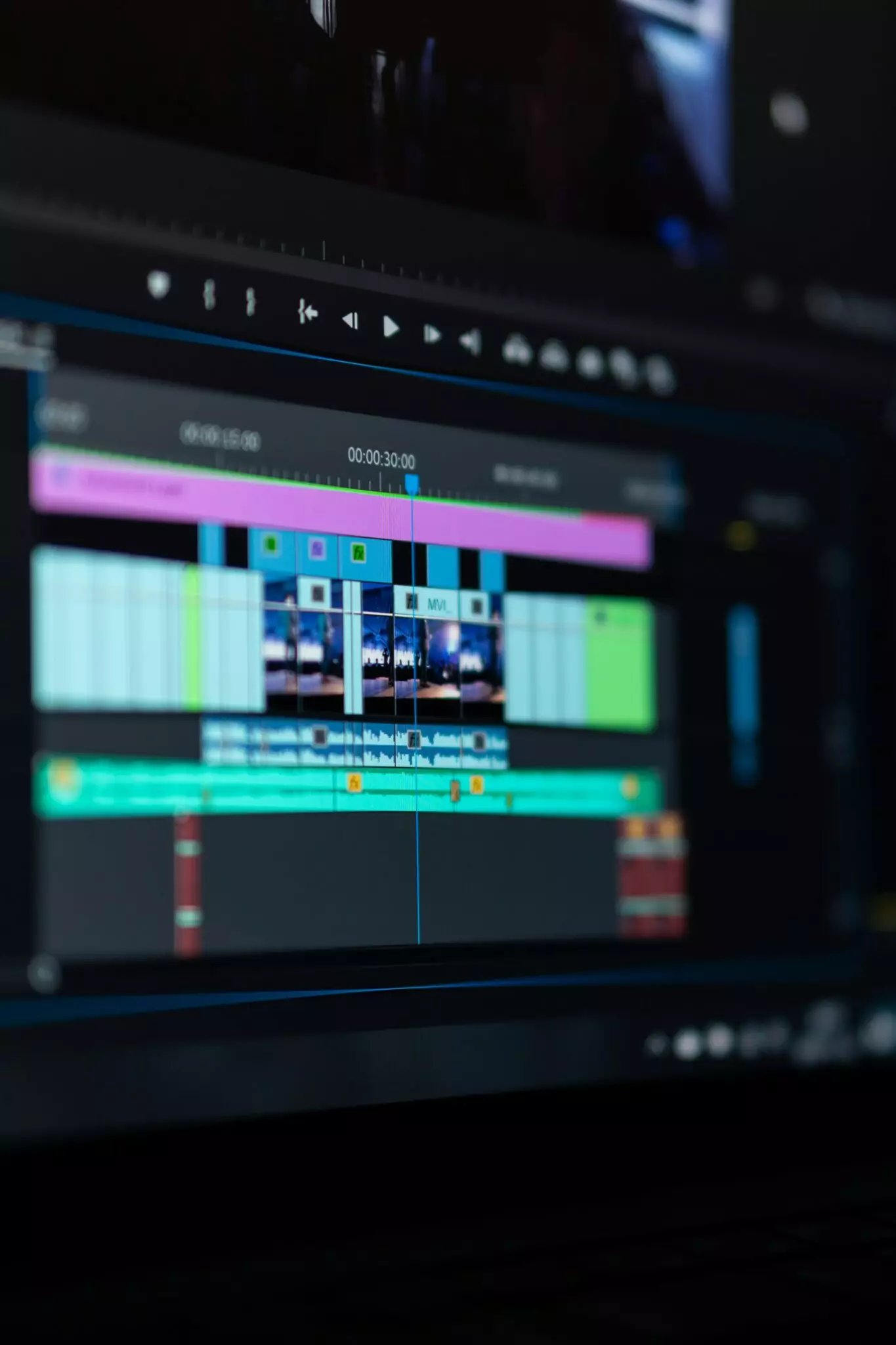
Image editing organises the shots filmed to create a fluid, coherent narrative. A veritable rewriting of the film, picture editing can transform the meaning of a scene or the entire story. It breaks down into 2 key phases:
Selecting and assembling the shots filmed
The picture editor selects the best shots from the rushes, chooses the most relevant moments from each shot, then assembles them in narrative order (or by playing with temporality). He or she then ensures that all the right connections are made (gestures, looks, light, objects) to ensure that the story flows smoothly and is visually coherent.
Building the story
The picture editor shapes the story by organising the shots in such a way as to guide the viewer’s understanding and arouse their emotions. The editor intervenes at several levels:
- Pace: the length of shots and the speed of cuts to create tension, calm, suspense or dramatic intensity.
- Transitions: these ensure fluidity between scenes and mark the passage of time, space or an emotional state.
- Narrative continuity: editing orders actions and situates characters in space and time, so that the story remains clear.
- Dramaturgy: by choosing where to cut, speed up or delay a revelation, the editor reinforces the dramatic impact and directs the viewer’s gaze.
Sound editing and mixing
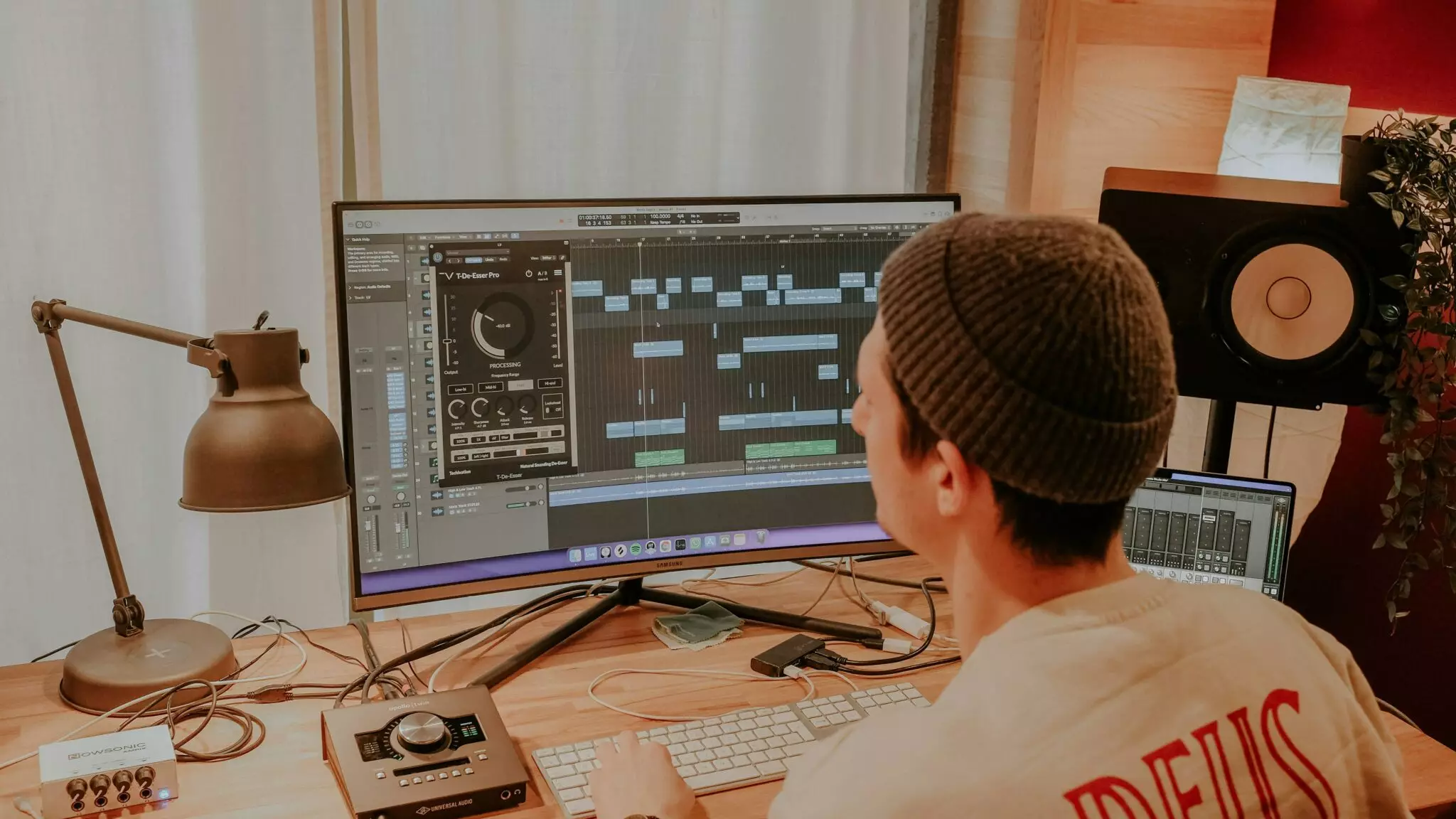
Sound editing consists of selecting, organising and adjusting all the sound elements in a film to create a coherent and expressive soundtrack to accompany and reinforce the images. Sound editing and mixing work on dialogue, atmospheres, sound effects and sounds recorded in post-synchronisation-ADR (Automatic Dialogue Replacement), in particular actors’ dialogue re-recorded in the studio to replace or improve that captured during filming. Sound editing and mixing includes :
Cleaning up and adjusting direct sound
This operation consists of improving the sounds recorded during filming by removing unwanted noises (wind, clicks, breath, etc.) and adjusting the volume, clarity and balance of dialogue or atmospheres to make them more pleasant and understandable.
Sound design
This is the phase where the film’s soundtrack is enhanced to make it more realistic and immersive, by adding :
- Sound effects (footsteps, doors, objects),
- Ambiences (city, nature, crowd),
- Voice-over (outside narration),
- Dialogue re-recorded in the studio (ADR) to replace or improve the dialogue used on the set.
Balancing sound levels and spatialization
Balancing sound levels will enable the volume of each sound element (dialogue, music, sound effects) to be adjusted so that no one sound dominates or is lost.
Spatialisation is a delicate operation designed to place sounds in sound space to create an impression of depth and immersion. It allows the audience to perceive where a sound is coming from.
Visual effects (VFX)
Inlays, digital retouching, computer-generated images.
In post-production, inlays (or compositing), digital retouching and computer-generated images are used to complete or transform the images shot:
- Inlays add elements to a scene, such as sets or special effects.
- Digital retouching aims to improve or transform the image in an aesthetic or creative way. They correct defects, remove unwanted objects or adjust the image.
- Computer-generated imagery (CGI) is used to create digital elements or characters from scratch to visually enrich the film.
Technical corrections
Technical corrections help to rectify imperfections visible on screen. This can include deleting accidentally filmed microphones or cables, correcting set details, or any adjustments needed to make the image clean, consistent and aesthetically perfect.
Colour grading
Colour grading in cinema consists of adjusting and harmonising the colours and brightness of images to create a coherent visual atmosphere and reinforce the mood of the film. The aim of this operation is to :
- Harmonise the colours and lighting between shots by adjusting the tints and luminosity so that all the shots in the same scene are visually coherent and fluid.
- Choose the visual atmosphere that will define the mood of the film. The colourist plays with contrasts to create a warm, cold, dark, bright or stylised atmosphere, depending on the desired emotion or style.
The music
Music plays a very important role in post-production because it transforms the images into a complete sensory and emotional experience, reinforcing the story and the impact of the film on the viewer. In post-production, work on the music consists of :
- Composing original music especially for the film or selecting existing pieces that are perfectly suited to the mood and scenes.
- Synchronising the music with the images by integrating it into the mix. The music is placed precisely over the images to accompany the actions and emotions, then mixed with the dialogue and sound effects for a harmonious, immersive result.
Finalisation (mastering)
Cinema mastering consists of finalising the image and sound, creating the official projection format (DCP) and checking that everything works perfectly for the cinema. Mastering takes place in 4 stages:
- Adjusting the image (colour and brightness) so that the film is visually pleasing to the eye. The image must remain consistent from one scene to the next and be displayed correctly on all types of theatrical projection.
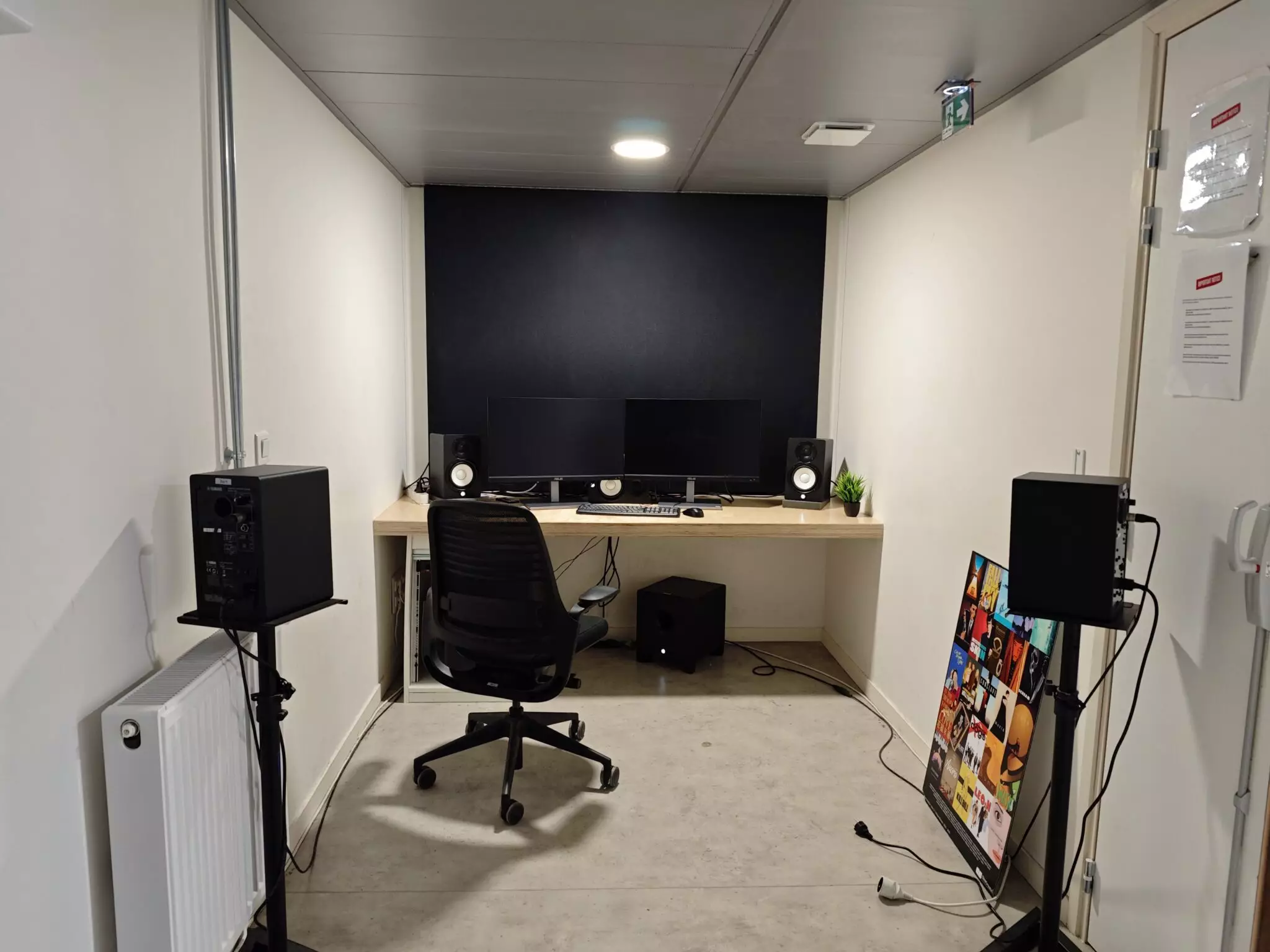
- Finalising the sound mix for optimum performance in cinemas, including immersive formats.
- Creating the DCP (Digital Cinema Package), which consists of transforming the finished film into a standardised format that all digital cinema projectors can read.
- Carry out the final check that everything is working (resolution, frame rate, sound/image synchronisation, subtitles).
Tools and software used in post-production
To meet the varied challenges of post-production, each stage – image editing, sound editing, visual effects or colour grading – calls on specific professional tools and software, both free and paid for. Some, such as Adobe Photoshop, Adobe Premiere and Pro Tools, have become essential references.
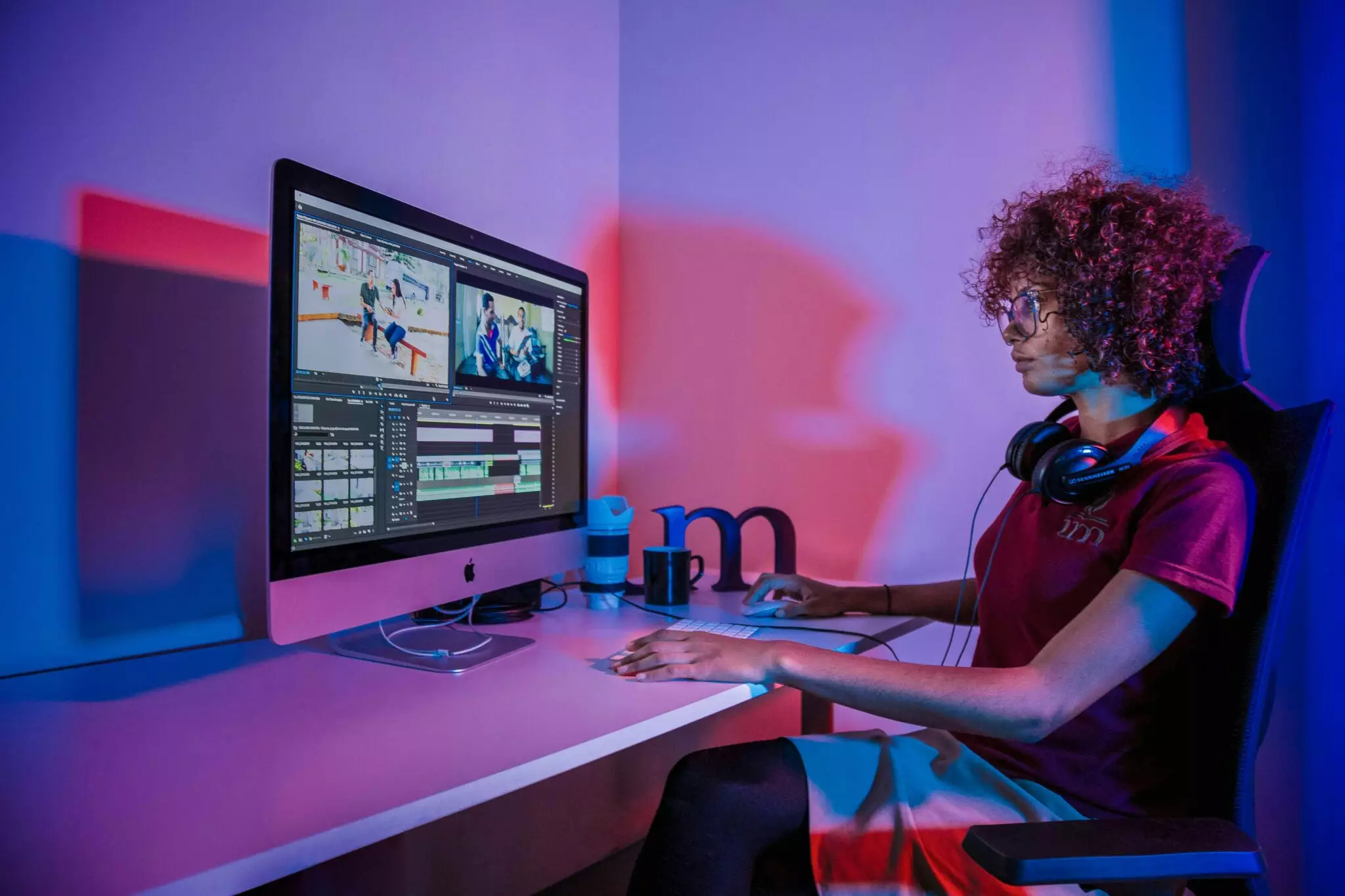
- For image editing: Avid Media Composer, Adobe Premiere Pro, Final Cut Pro
- For visual effects: Adobe After Effects, Nuke, Blender, etc.
- For sound editing and mixing: Pro Tools, Adobe Audition, Logic Pro, Reaper, etc.
- For colour grading and correction: DaVinci Resolve, Adobe SpeedGrade
Who takes care of post-production?
Post-production involves several professionals, each specialising in a particular aspect of the film. It’s a real team effort, where everyone works together to transform the rushes into a finished, immersive work. Post-production involves :
- The picture editor, who selects and assembles the shots to build the story.
- The sound editor or sound engineer, who takes care of the sound editing and mixing, cleaning up dialogue and adding sound effects and atmosphere.
- The colourist, who carries out colour grading, harmonises colours and creates the film’s visual atmosphere.
- The VFX (visual effects) specialist to create and integrate digital effects and image retouching.
- The composer or music supervisor, responsible for composing or adapting the music. They also coordinate the integration of the music with the sound and images.
- The post-production director, whose role is to supervise and coordinate all stages of post-production. He or she also ensures that the schedule and budget are respected, and that the final film meets the director’s vision.