Calibration
What is calibration?
Colour grading is the process of treating the colours and light in a film production. Carried out in post-production after filming, this process produces the final visual aesthetic desired by the director and cinematographer. Colour grading has a considerable impact on the atmosphere and visual narrative of a film just shot, giving it its chromatic tone, its style and its definitive emotion.
Colour grading vs. colour correction: what’s the difference?
Colour grading and colour correction are 2 distinct stages in image post-production. However, colour correction remains intrinsically linked to the calibration process.
Colour correction, the first stage in colour processing, aims to produce images that are realistic and consistent. More specifically, this technique consists of :
- Adjusting exposure (brightness)
- Correcting contrast
- Adjusting the white and colour balance so that the sky, people’s skin tones, etc. appear natural
- Unifying shots so that all the shots in the same scene remain consistent
Colour grading is more about giving the image an artistic style or atmosphere that you want the viewer to feel. This key stage, which reinforces the visual impact and identity of the film, necessarily takes place after colour correction. Colour grading involves the following actions:
- Applying a visual style (vintage, strong shadows, high luminosity, bright colours, cool tones, etc.)
- Creating emotional or dramatic atmospheres
- Accentuate depth or contrast to match the narrative style
- Harmonise the whole film for the final look
The role of colour grading in film and video production
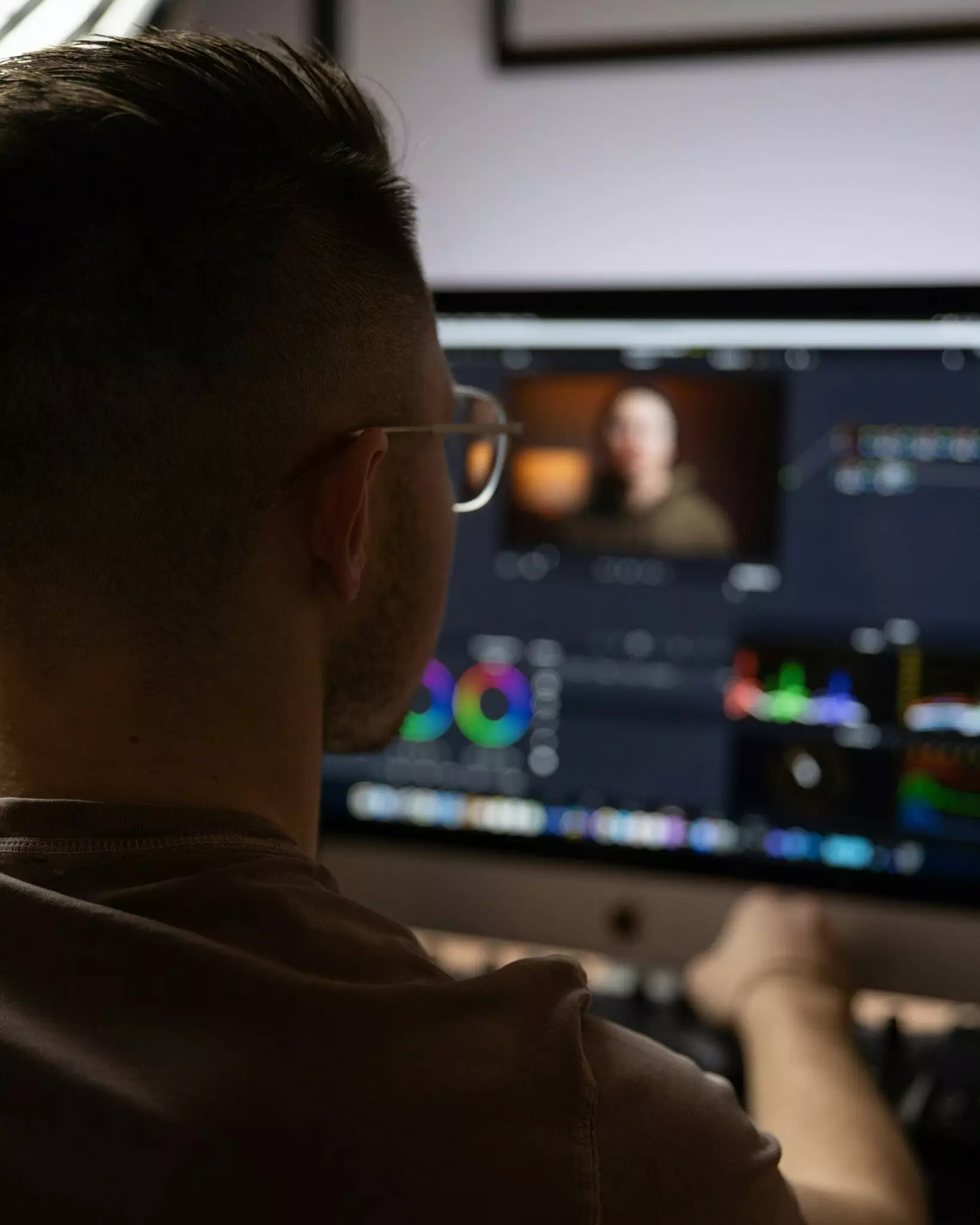
Colour grading is the art of giving life and visual coherence to a film. This essential technique in cinema consists of shaping the visual identity of the film by transforming raw images into a fluid, expressive and aesthetically coherent cinematographic experience. A colourist will have the following tasks:
- Adjust colours so that they remain consistent from one scene to the next.
- Control exposure and contrast to make every detail legible, guide the viewer’s eye and give depth and relief to the images.
- Creating atmosphere by modulating colours, saturation and luminosity to reinforce the emotional tone and style of each scene.
- Harmonise images from different cameras or shooting conditions, guaranteeing visual consistency that immerses the viewer in the story.
The stages in the colour-grading process
From the preparation of technically corrected images (exposure, colour), to artistic creation (style, atmosphere), via harmonisation and finishing touches for mixing and final broadcast, the colour-grading process breaks down into several key stages:
Preparing the images
Preparing the images before colour-grading starts by laying the foundations for impeccable visual rendering. To do this, the colourist begins by :
Checking the video files and formats (resolution, codec, framerate)
When preparing a film for colour grading, each video file must comply with the technical standards used in the industry, such as resolution (image size), codec (video compression format) and framerate (frames per second). If these criteria are not met, playback or conversion problems may occur: the image may be jerky, the colours altered, or the file may become corrupted. All of this can reduce the final quality when it comes to colour grading, making the job more difficult and less accurate.
Organise shots and sequences in the order of the final edit (picture lock)
Colour-grading only begins once the edit has been locked. The shots are then imported in the final edit order to ensure consistent corrections and a smooth workflow.
Identify shots requiring special correction
Some shots pose particular problems (exposure, colour cast, gaps between cameras, artefacts). Identifying them in advance allows you to plan their treatment, set priorities and prepare the necessary advanced techniques.
Adjusting exposure and luminosity
Adjusting exposure, contrast and brightness means balancing the amount of visible light in an image. This balancing reveals details, improves the legibility of scenes and creates a solid base for the rest of the colour grading work. Dark and light areas are harmonised to give relief to the image, reinforce depth and improve the perception of volume. Playing with saturation and luminosity also helps to underline the dramatic, romantic or fantastic tone of a sequence, giving each shot a coherent and expressive visual identity.
Harmonising shots
Some shots are rendered differently because of the use of different equipment or because they were shot on location in different lighting conditions, mainly due to the weather. The aim of harmonising shots is to give the impression that all the images come from the same visual source. To achieve this, the colourist adjusts tones, contrasts and colour balances so that each shot has the same visual effect. This consistency ensures that the viewer remains totally immersed in the story and is not distracted by variations in image between shots.
Creating the atmosphere and visual style
It’s fair to say that shaping the atmosphere is one of the major objectives of colour grading! To give the film its visual identity, the colourist designs and modulates a palette of specific colours to give the film a particular style and accentuate the emotion and feel of a scene. For example, a predominantly blue colour will reinforce an atmosphere of sadness, solitude or mystery, while a predominantly orange colour will bring warmth, comfort or intimacy. To create the atmosphere of a film, the colourist uses :
- Applying filters or dominant colours to reinforce the emotion and atmosphere.
- Adjusting saturation, contrast and luminosity to achieve a coherent stylistic effect.
Colour-grading tools and software
Various tools and software are regularly used for colour grading in cinema, television and professional video. These are mainly :
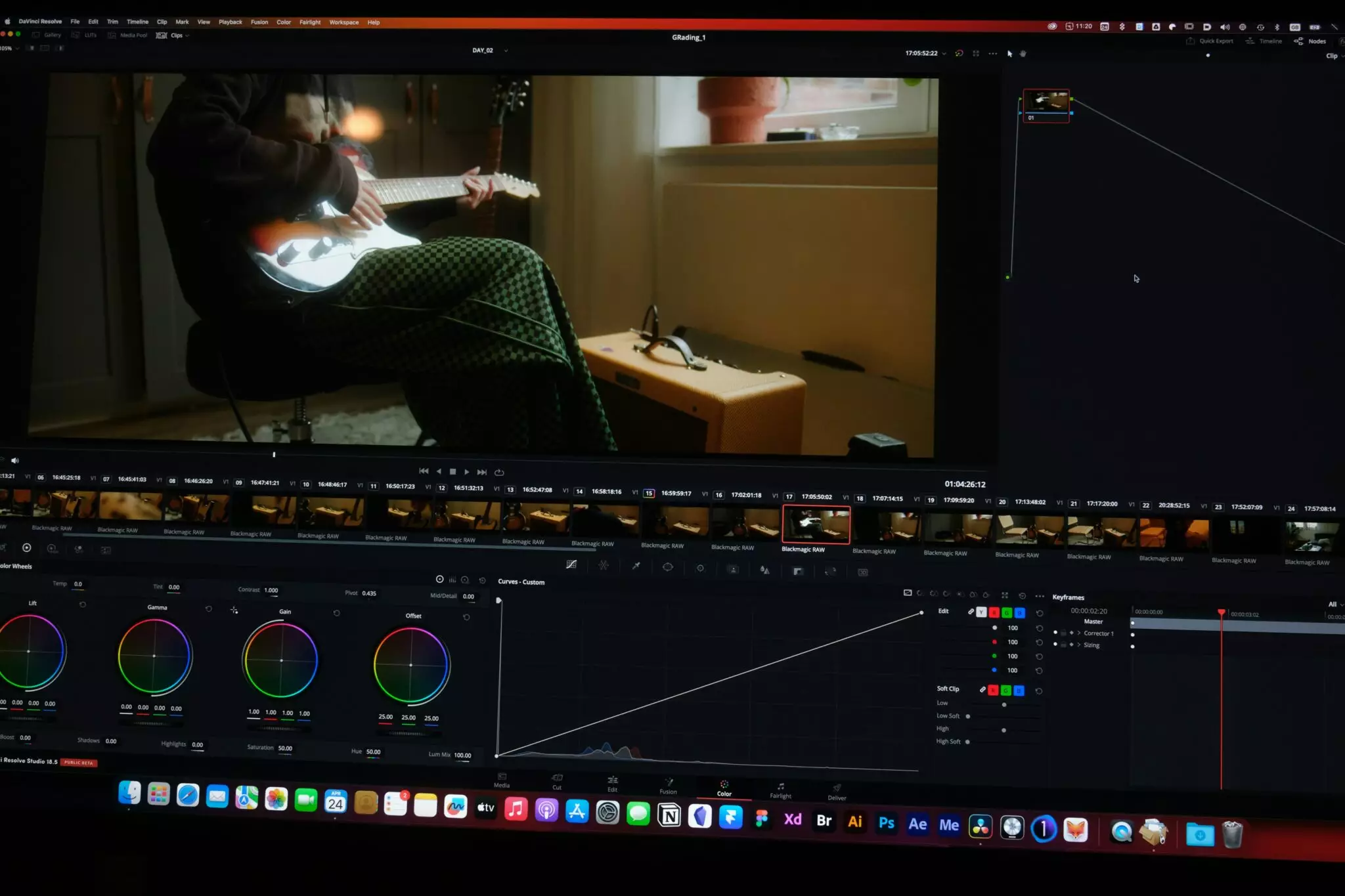
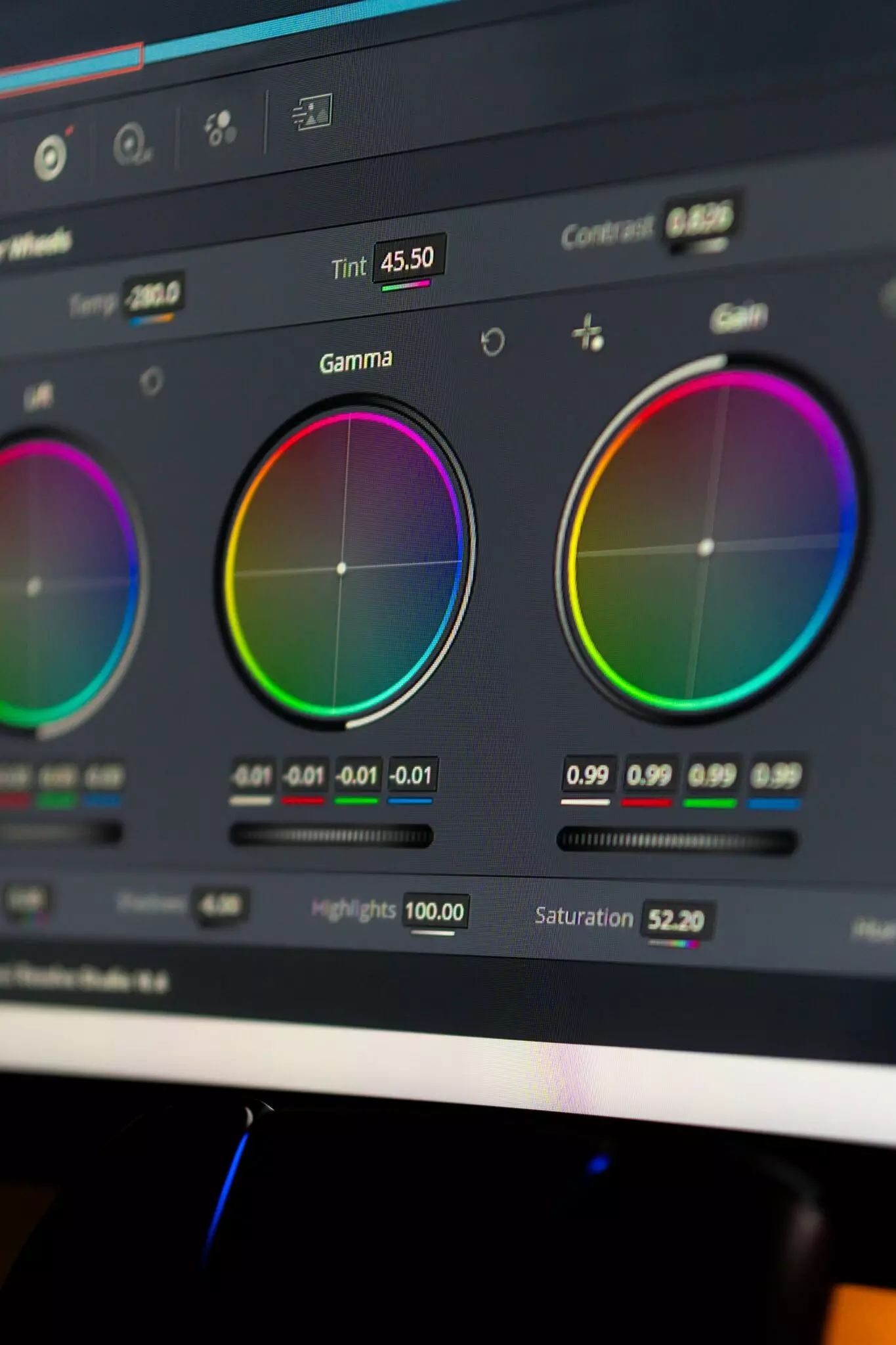
- Software such as DaVinci Resolve, Adobe Premiere, Final Cut Pro.
- LUTs (lookup tables) tools in the form of professional filters that transform the colours of an image according to a predefined profile and manually adjust colours, tones and sometimes specific areas of the image.